RWX app for Slack
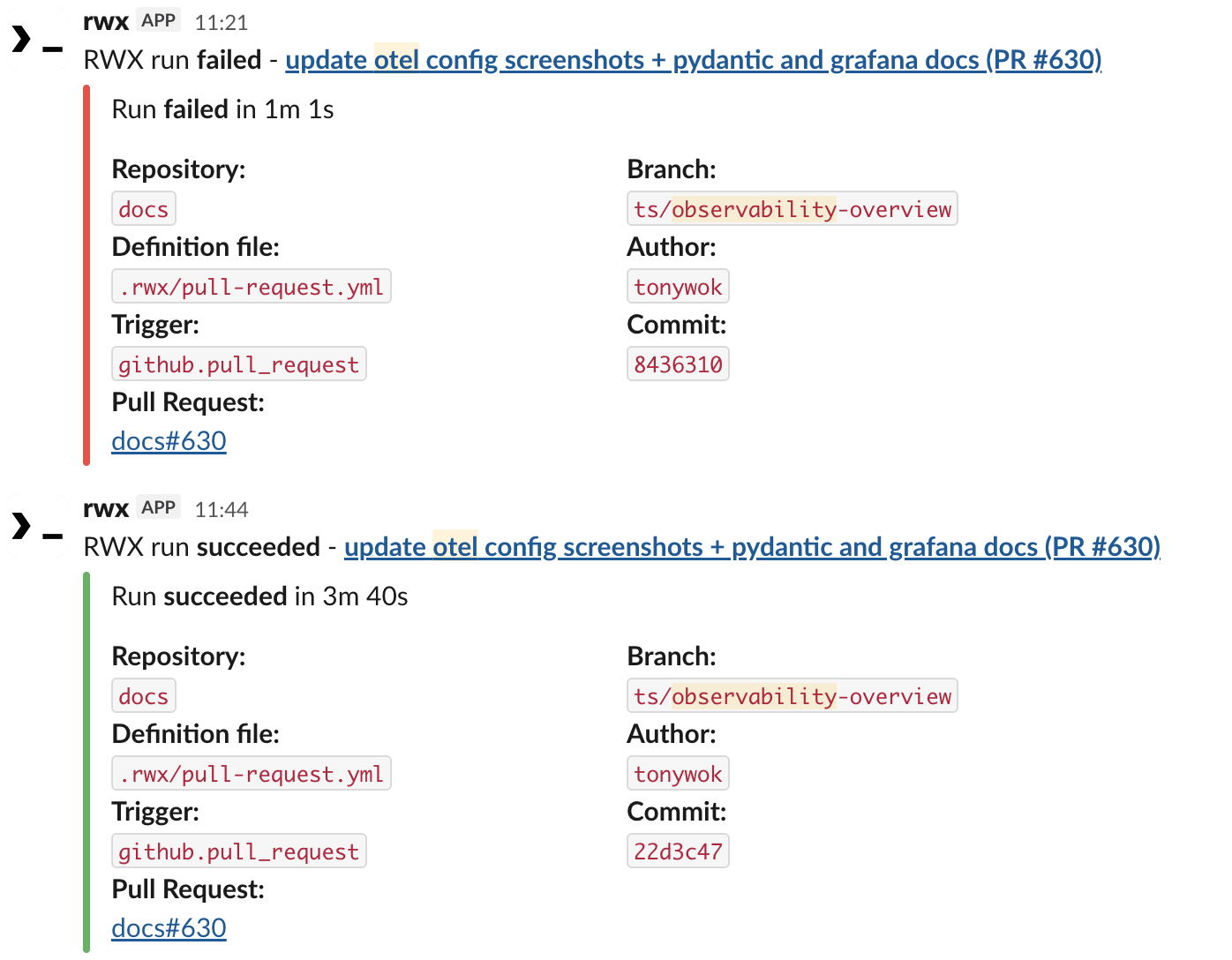
RWX is a CI/CD platform for running workflows, managing test results, coordinating approvals, and monitoring automation. The RWX app for Slack sends RWX notification events to Slack channels and direct messages, with run status, branch, commit, timing, and links back to RWX.
Connect Slack
To use the RWX app for Slack, you need an RWX account. Connect Slack before configuring notifications.
- Sign in to RWX.
- Open organization notifications or personal notifications.
- Click Add to Slack.
- Review the requested Slack permissions.
- Choose the Slack workspace you want to connect.
- Click Allow.
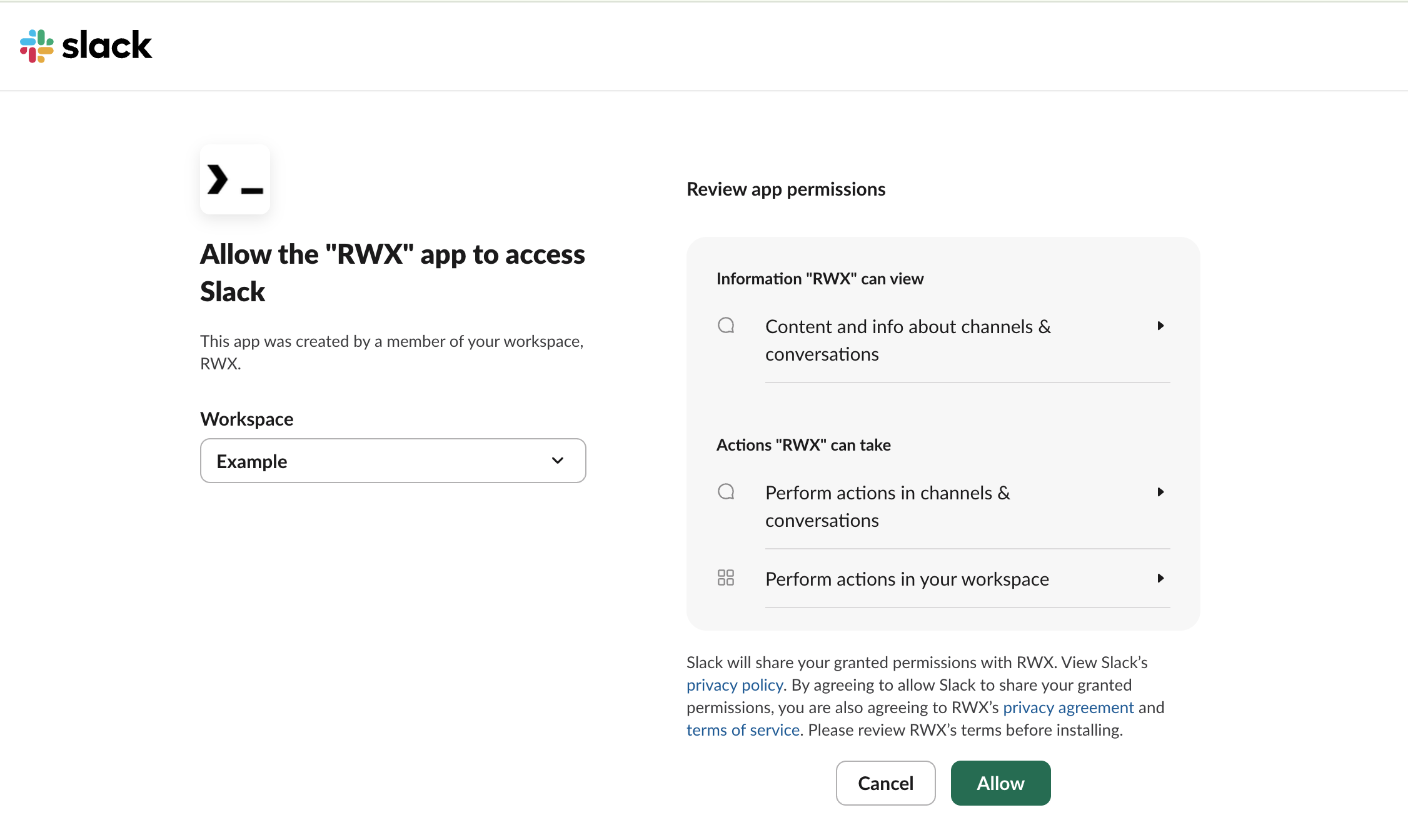
After Slack redirects you back to RWX, the notification settings page confirms that Slack is connected.
Configure notifications
After Slack is connected, configure organization or personal notifications in RWX. A Slack message is sent when a configured notification event occurs. Test flake rate, test quarantined, and test unquarantined notifications are available when using Captain.
Organization notifications
Organization-wide notifications post to Slack channels and can be configured for:
- Daily usage
- Run result
- Test flake rate
- Test quarantined
- Test unquarantined
- Vault approval requested
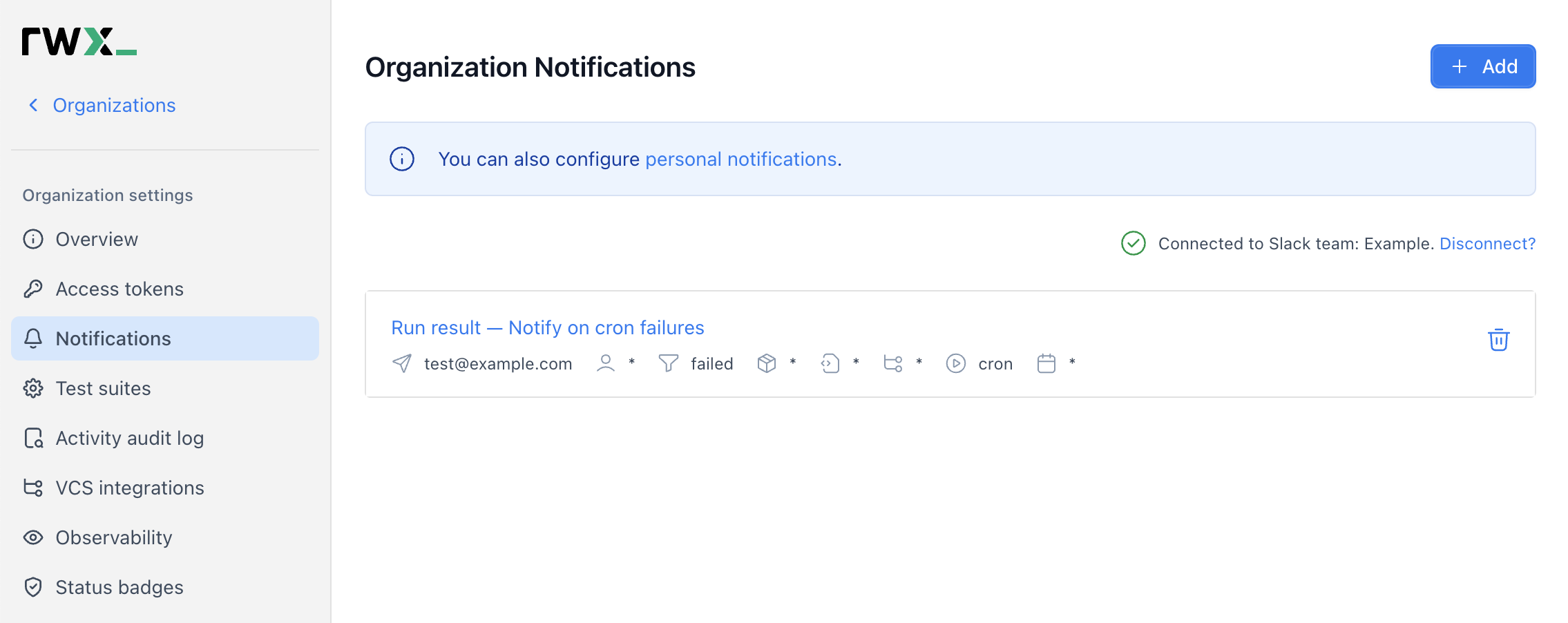
Configure organization notifications
Personal notifications
Personal notifications are sent as direct messages from the RWX app for Slack and can be configured for:
- Daily usage
- Run result
- Task Breakpoint ready
- Test flake rate
- Test quarantined
- Test unquarantined
- Vault approval requested
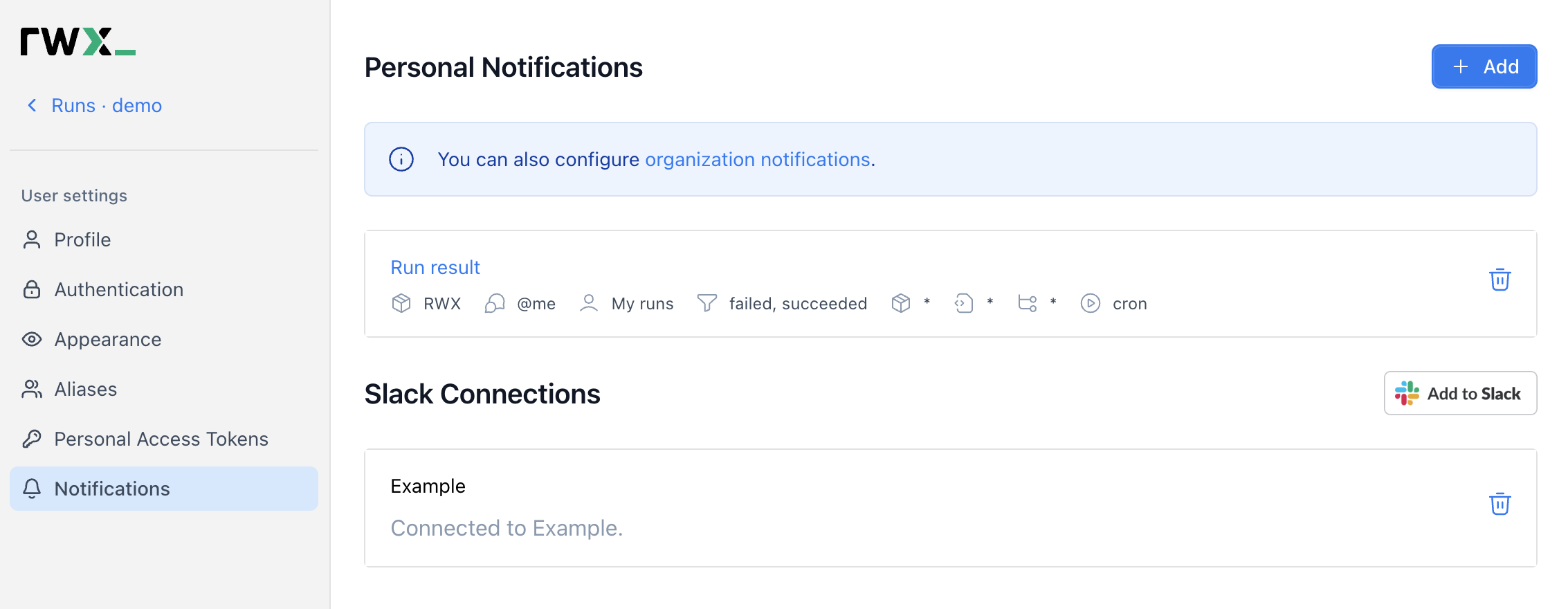
Configure personal notifications
Use the RWX app for Slack
Once the RWX app for Slack is installed and at least one notification is configured, RWX sends Slack messages automatically. Channel messages come from organization notifications; direct messages come from personal notifications. The RWX app for Slack does not respond to arbitrary Slack comments, mentions, or slash commands.
Privacy
See the RWX privacy policy here.
Support
Need help with the RWX app for Slack? Contact us at [email protected]