Honeycomb Integration
RWX can send CI/CD telemetry to Honeycomb using OpenTelemetry. This allows you to observe and analyze your RWX usage and performance in Honeycomb alongside your application observability data.
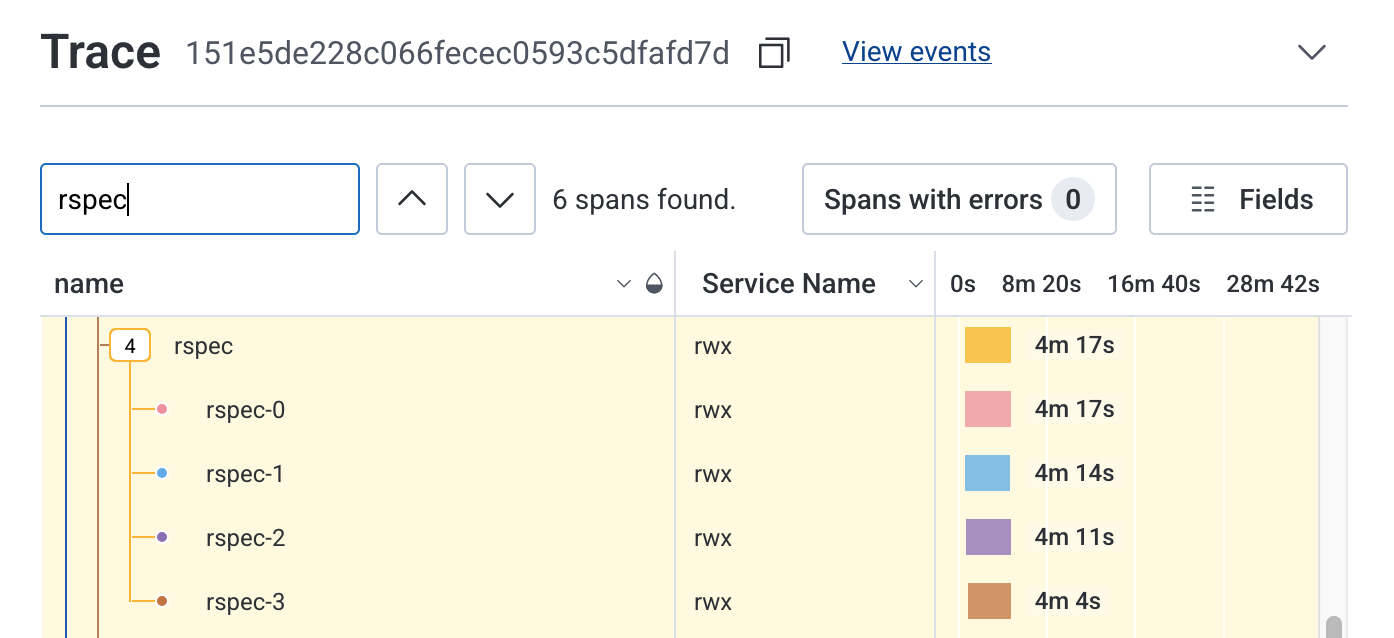
Configuration
Configure the Honeycomb integration in your RWX organization settings
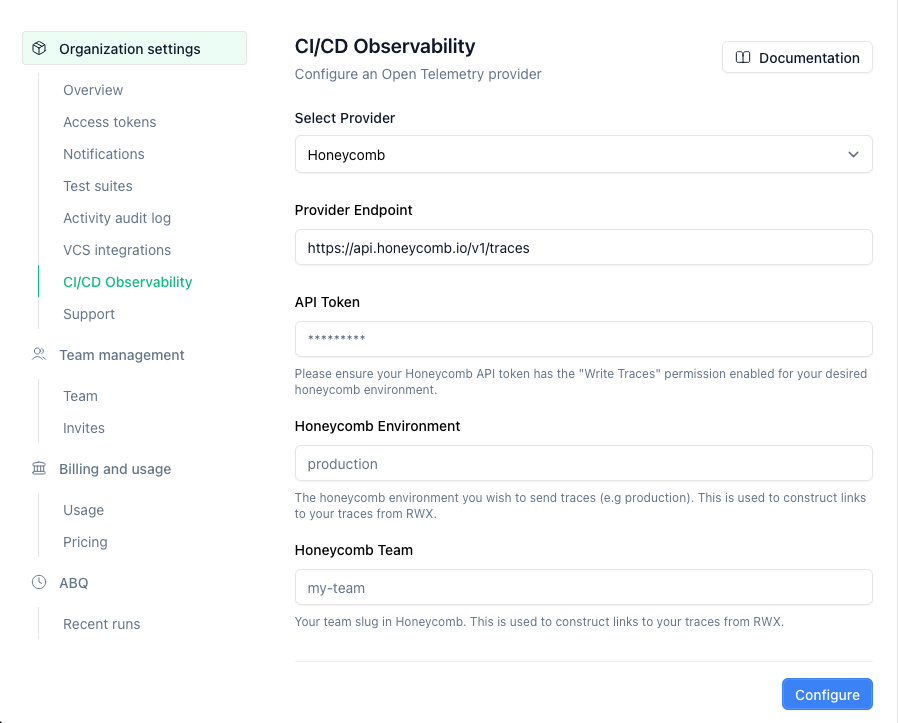
Open Telemetry Provider
Select Honeycomb as your OpenTelemetry provider.
Provider Endpoint
The default endpoint for Honeycomb is:
https://api.honeycomb.io/v1/traces
API Token
Generate a Honeycomb environment specific API Ingest key.
Link to spans from RWX
RWX can link directly to the Honeycomb spans within the waterfall trace view. To construct links directly to your Honeycomb spans, we need the following:
Honeycomb Environment
The Honeycomb environment name where you want traces to be sent (e.g., production).
Honeycomb Team
Your Honeycomb team slug. You can find this in your Honeycomb team settings.