Sentry integration
RWX can send telemetry to Sentry using OpenTelemetry. This allows you to observe and analyze your RWX usage and performance in Sentry alongside your application observability data.
Configuration
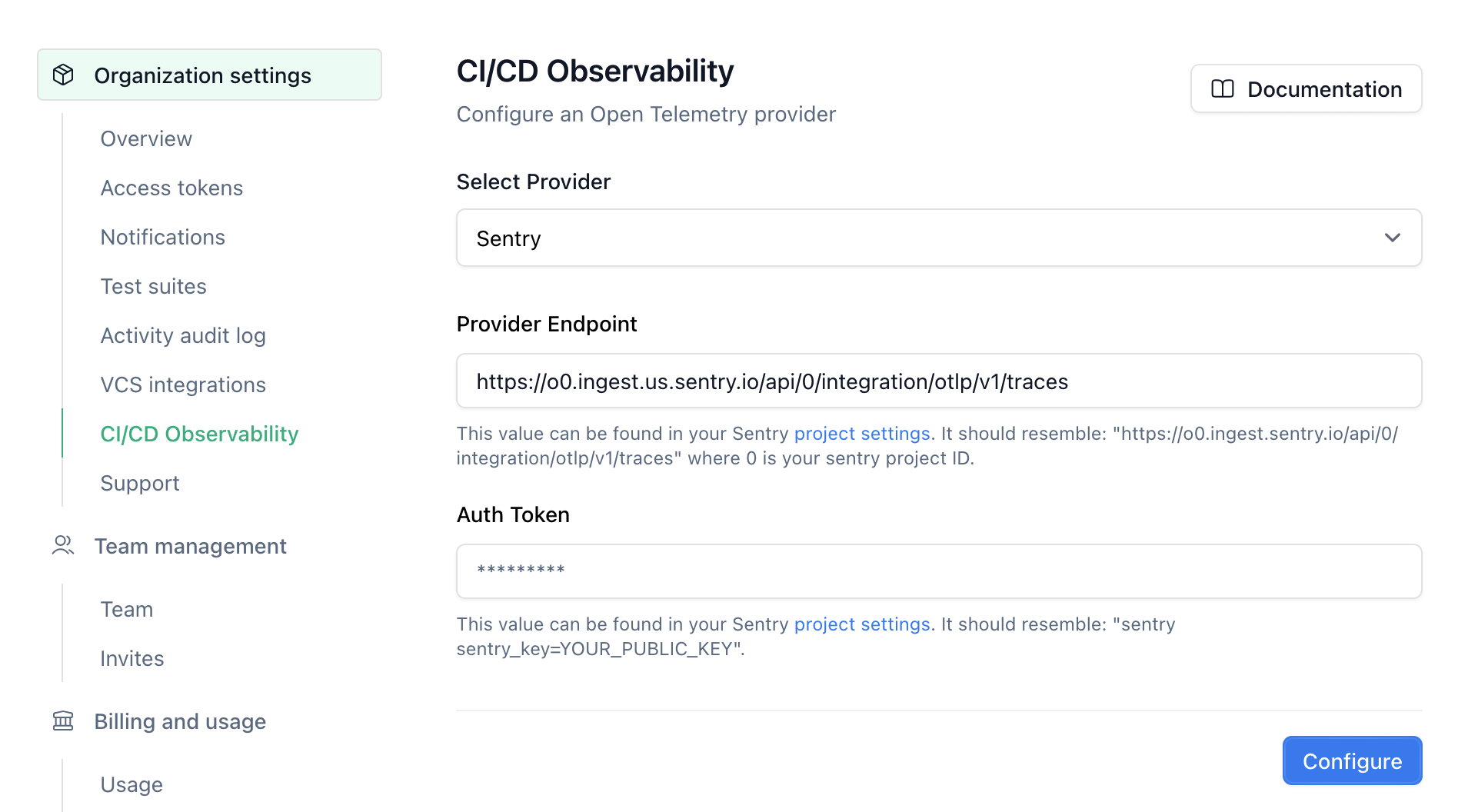
Configure the Sentry integration in your RWX organization settings
OpenTelemetry provider
Select Sentry as your OpenTelemetry provider.
Provider Endpoint
The default endpoint should resemble https://o0.ingest.sentry.io/api/0/integration/otlp/v1/traces, where 0 is your Sentry project ID.
You can find this information in your project settings.
Authentication Token
Generate a new client key for your project in your project settings. Your token should resemble:
sentry sentry_key=yourClientKey
RWX will automatically send this as the value for x-sentry-auth header.